
Group Move
Automatically move users between groups based on account type, age, deposit behavior, or risk status.1. Premium Account Upgrade
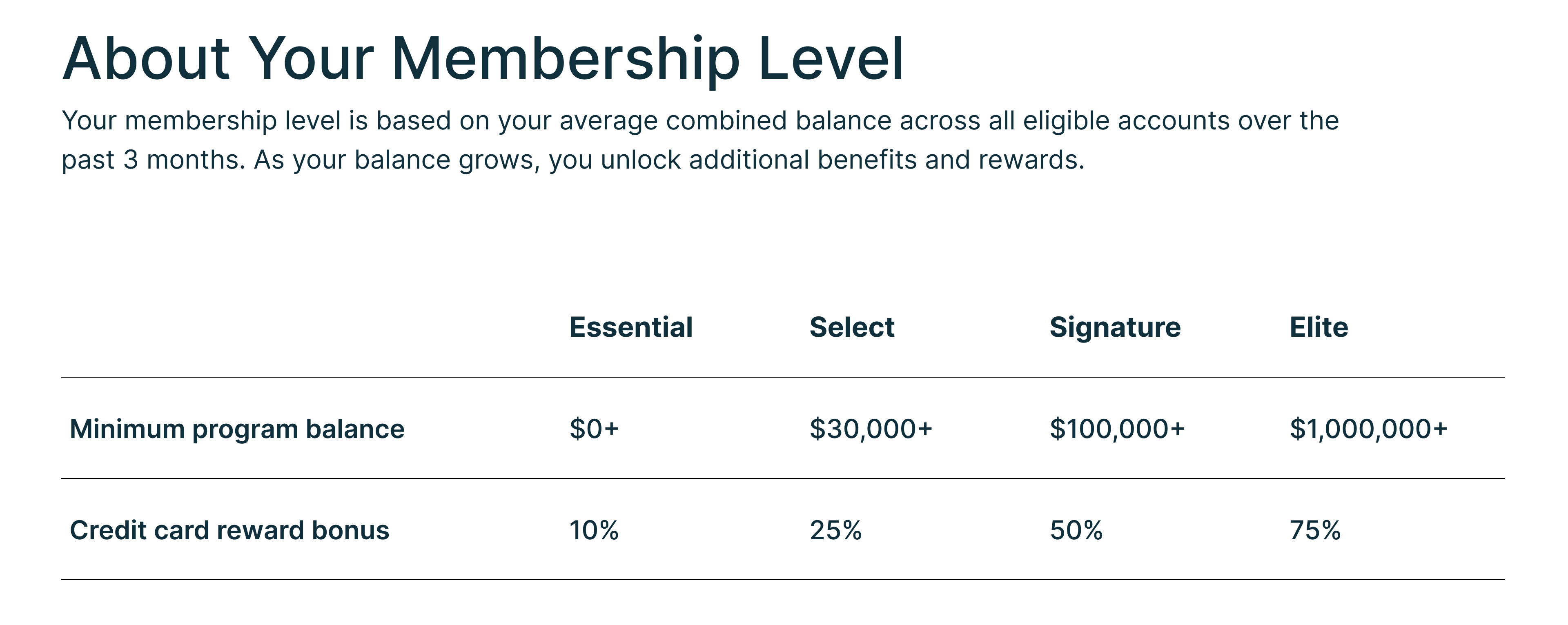
- Based on the user’s minimum total deposit over a defined period of time, automatically move them into a premium account group and send a push notification to inform them of the upgrade.
- Automatically move users into the correct group based on their account type 30 days after enrollment, ensuring they always have access to the appropriate features and resources.
- Automatically disable accounts for users who have not logged in for a defined period of time, reducing the attack surface and keeping account access limited to active users.
- Automatically move minor users into the appropriate group when they turn 16 or 18 years old, ensuring account permissions match their current age bracket.
- Automatically disable accounts when fraud is suspected, containing risk quickly and preventing further unauthorized activity.
- Automatically manage users who no longer have any open accounts, keeping the user base aligned with active account relationships.
- Automatically move users to appropriate groups when they declare bankruptcy, ensuring their account access and permissions are adjusted accordingly.
Notifications
Send email or push notifications to users based on account activity, balances, or upcoming events.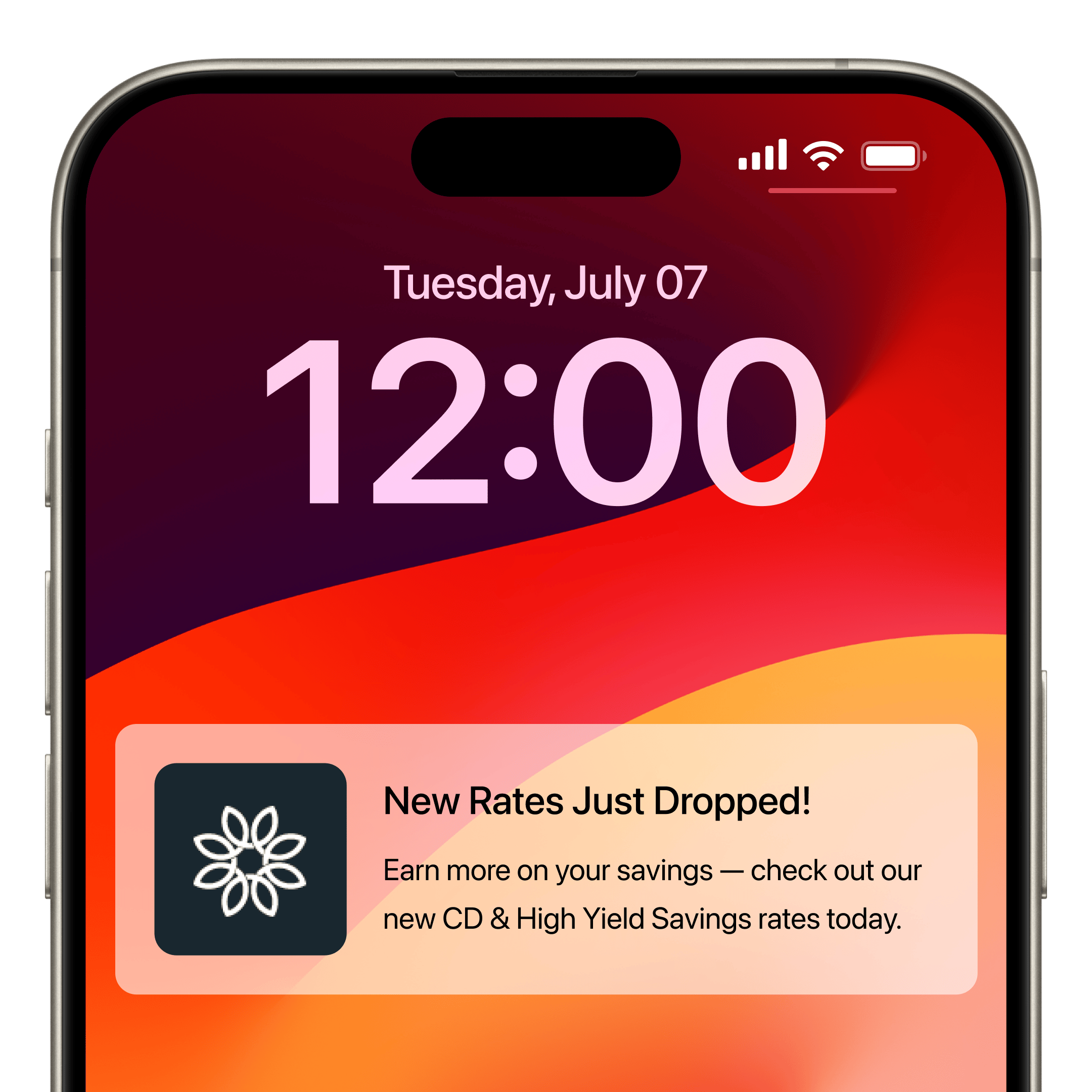
- Send push or email notifications to eligible users when new CD or high yield savings rates launch, driving quick awareness and deposit growth.
- Send email notifications to users with an upcoming CD maturity date, giving them time to decide on renewal or withdrawal.
- Send email notifications to users with an upcoming CD renewal, keeping them informed before the renewal takes effect.
- Send email notifications to users with an upcoming loan payment due, helping reduce missed or late payments.
- Send push notifications to users with a low account balance, helping them avoid overdraft fees.
- Send personalized offers to specific group customers based on their account type, transaction history, and other relevant criteria, increasing engagement and product adoption.
- Send push notifications to users who have not applied for a loan, encouraging them to explore available loan products and services.
- Send push notifications to users who have not set up direct deposit, encouraging adoption of a core banking feature.
- Send push or email notifications to members when new fraud threats or suspicious activity are detected on their accounts, enabling quick awareness and response.
- Send push or email notifications with fraud education content to account holders, helping them recognize and avoid common scams.
- Send push or email notifications to eligible users promoting new third-party offerings and services, driving quick awareness and adoption.
On Login Popup
Show popups upon Online Banking login to collect missing information or prompt product adoption.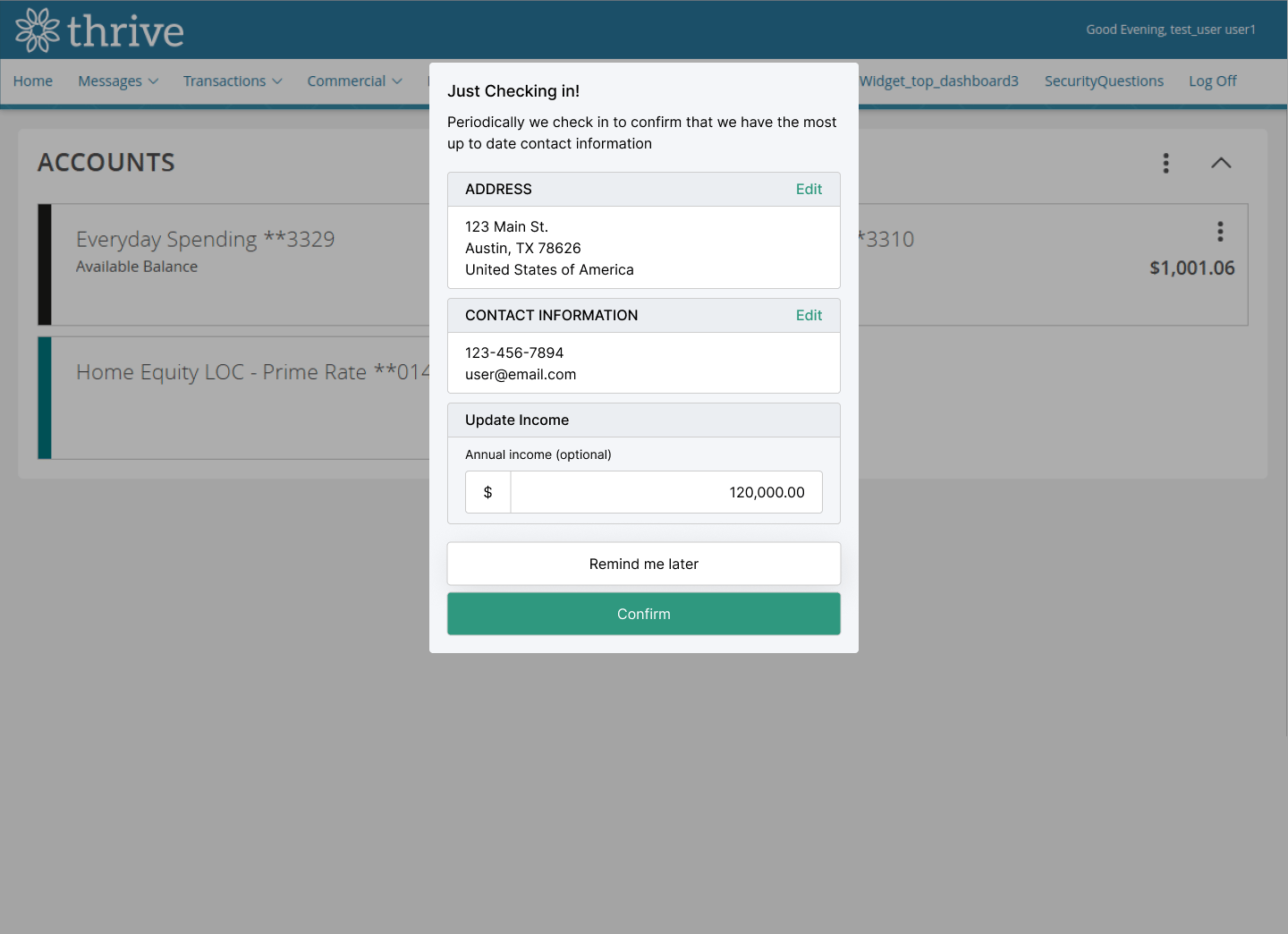
- Prompt users with outdated or missing address information to update it upon login to Online Banking, keeping account records accurate and compliant.
- Prompt users with outdated or missing income information to update it upon login to Online Banking, supporting accurate underwriting and risk assessment.
- Prompt new users to apply for a credit card upon login to Online Banking, encouraging adoption of a core banking product.